I’ll be honest…
The first time I tried Wispr Flow, I wasn’t impressed.
My first thought was basically:
“Why would I talk instead of just typing?”
I’ve been typing for years. Not well, mind you — I’m probably one step above a one-finger typist — but typing still felt more natural to me.
At first, using Wispr Flow actually felt awkward.
You have to get used to:
- pressing a couple of buttons
- talking naturally
- saying things like “new paragraph”
- trusting the software to keep up
For the first few minutes, it honestly felt kind of dumb.
I kept thinking:
“This can’t actually be easier than typing.”
But then something happened.
I spent most of a day working on this website.
A LOT of writing.
Page layouts.
Notes.
Ideas.
Sections.
Little pieces of content everywhere.
Normally, that kind of work slows me down because I type slowly… and because I constantly stop to fix typos.
That’s the funny part.
Even when I’m just making notes for myself, I still stop and correct mistakes that do not matter at all.
Apparently my brain refuses to let bad typing go unpunished.
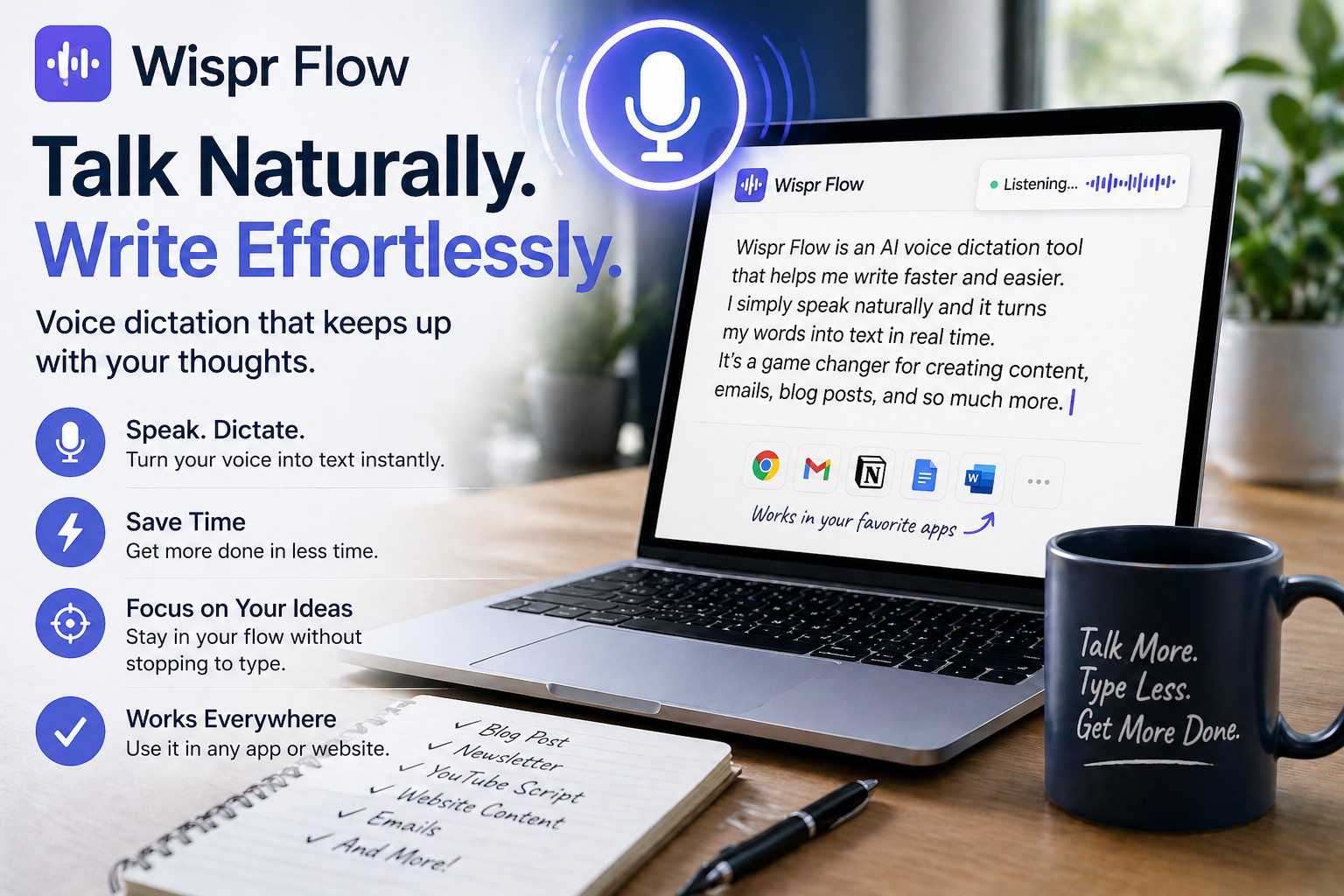
But that day, instead of typing everything, I kept using Wispr Flow.
And somewhere during the middle of the day, it finally clicked.
This was easier.
A whole lot easier.
Not because it was flashy.
Not because it was “AI magic.”
Not because it was perfect.
It was easier because I could think naturally.
Instead of:
- type
- stop
- correct typo
- backspace
- reword sentence
- lose train of thought
…I could just talk.
That changes the entire feeling of creating content.
Especially if typing has always felt slow, frustrating, or mentally exhausting.
Now, is it perfect?
No.
Sometimes you forget to say “new paragraph.”
Sometimes you still go back and clean things up a little.
But honestly?
That takes seconds.
The adjustment period is tiny.
What surprised me most was how quickly it started to feel natural.
And once it does feel natural, going back to typing long pieces of content almost feels harder.
That’s why I added the short video below.
I wanted to actually show you what this looks like in real life — not some polished demo from a tech company.
You’ll see how simple it really is.
I just talk naturally, and the words appear on the screen.
That’s it.
No complicated setup.
No special skills.
No fancy equipment.
And for somebody like me who has never been a great typist, it honestly makes creating content feel much easier.
That’s when I realized this wasn’t really about speed.
It was about removing friction.
For me, Wispr Flow made writing feel less like work.
And for somebody who creates newsletters, posts, emails, and website content almost every day now…
That matters a lot.
If typing slows you down — or makes you avoid creating content altogether — this is one of the easiest tools I’ve found to start using.
Especially because there’s a free version to try.
You may think it feels strange at first too.
I did.
Then one day you realize:
“Wait a minute… this is actually making my life easier.”
And that’s when it starts becoming a tool you use every single day.
P.S. Wispr Flow currently gives you 2,000 words a month completely free.
That may not sound like a lot at first, but honestly, for most people it is more than enough to see whether this style of creating content works for them.
A few emails, some social posts, newsletter ideas, notes, or even a rough draft of an article can add up quickly. It’s a very easy way to test whether talking feels more natural to you than typing.
See you at the bank.
 To leave a comment, you’ll need a free account (takes about 30 seconds):
One Response
This saves me so much time and aggravation. No typos, punctuated correctly. So much easier